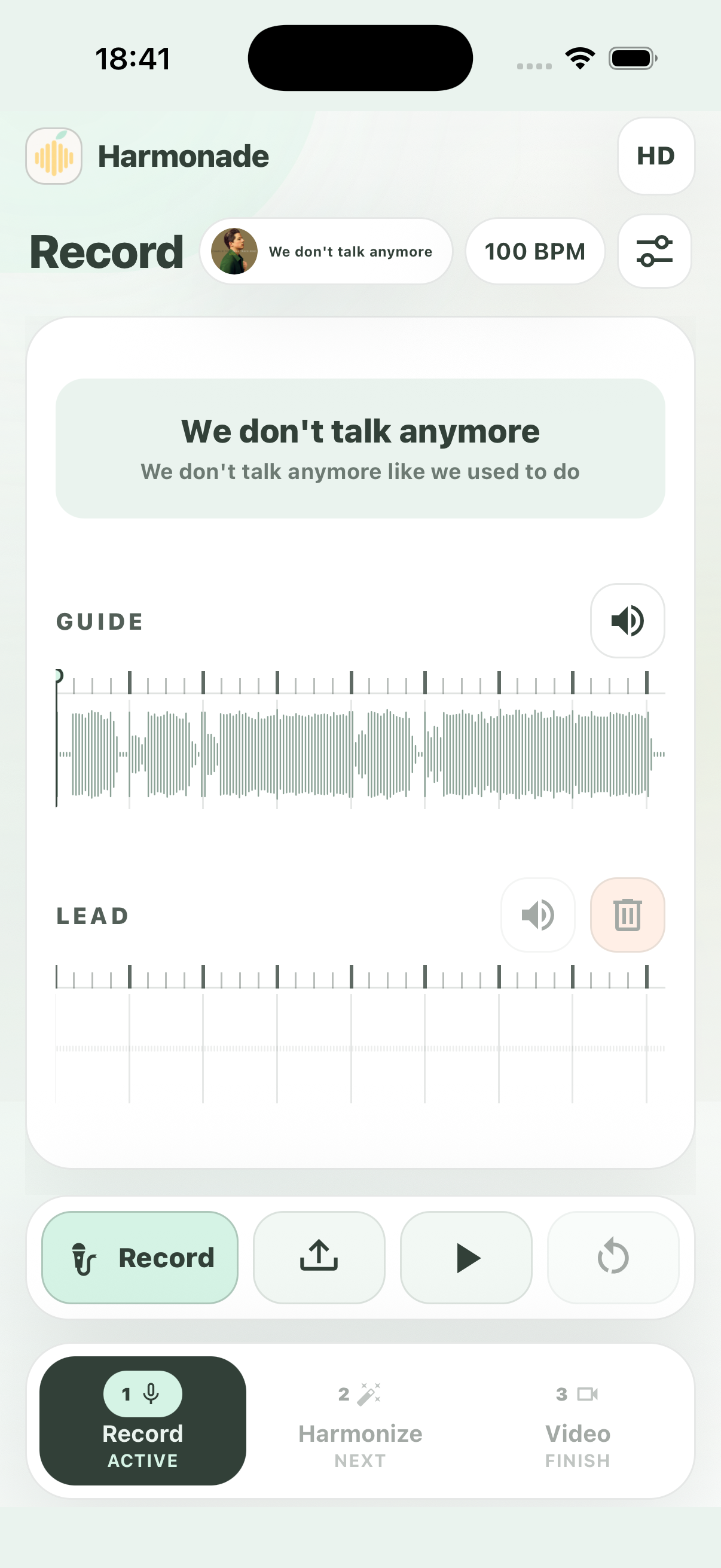
Step 1
Record the vocal.
Sing the lead take while the guide keeps the timing clear.
About Harmonade
Upload a vocal, shape the harmonies, export a clip. Harmonade keeps the workflow visual, fast and easy to control.

How it works
Record your lead, let Harmonade build the stack, then capture the video clips inside the app.
Sing the lead take while the guide keeps the timing clear.
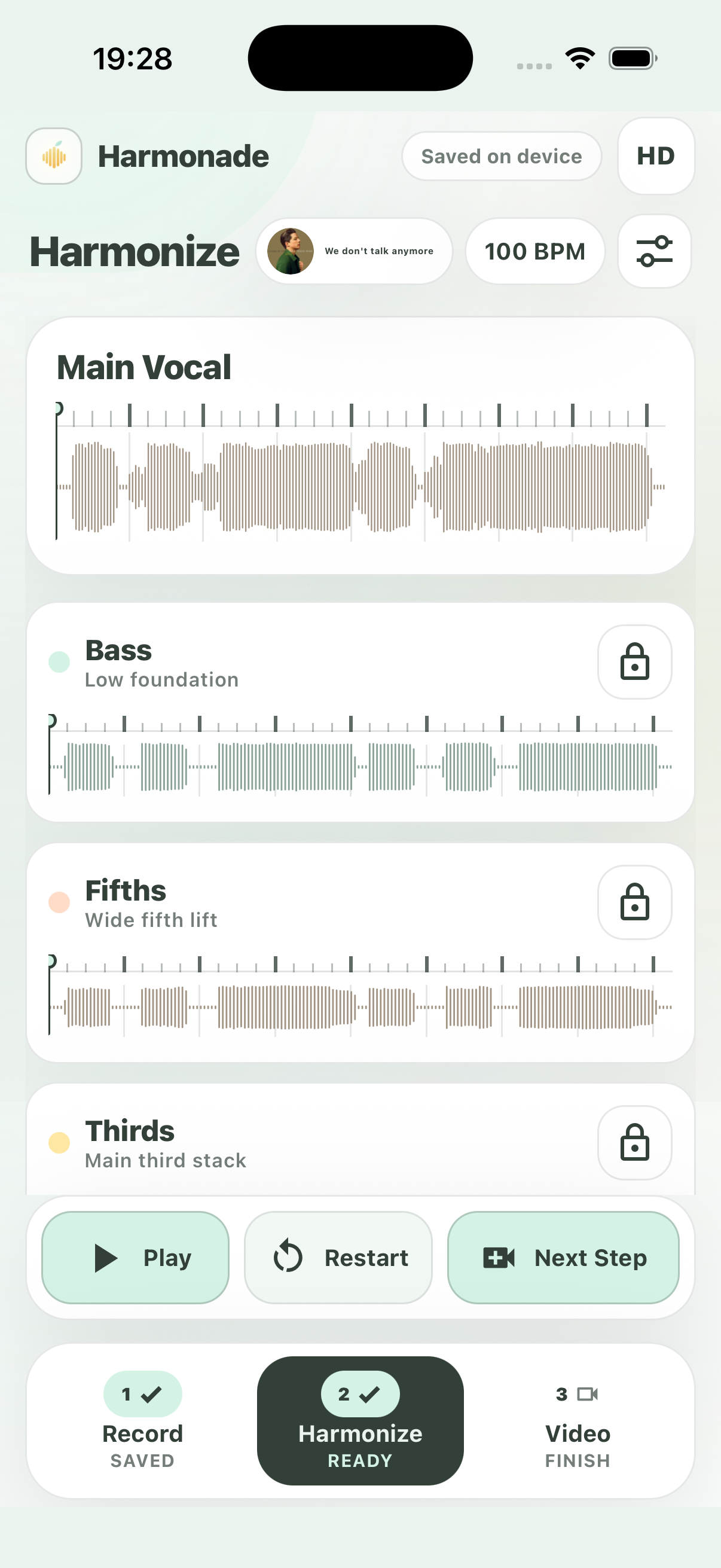
Harmonade turns your take into a stack you can play, mute or adjust.
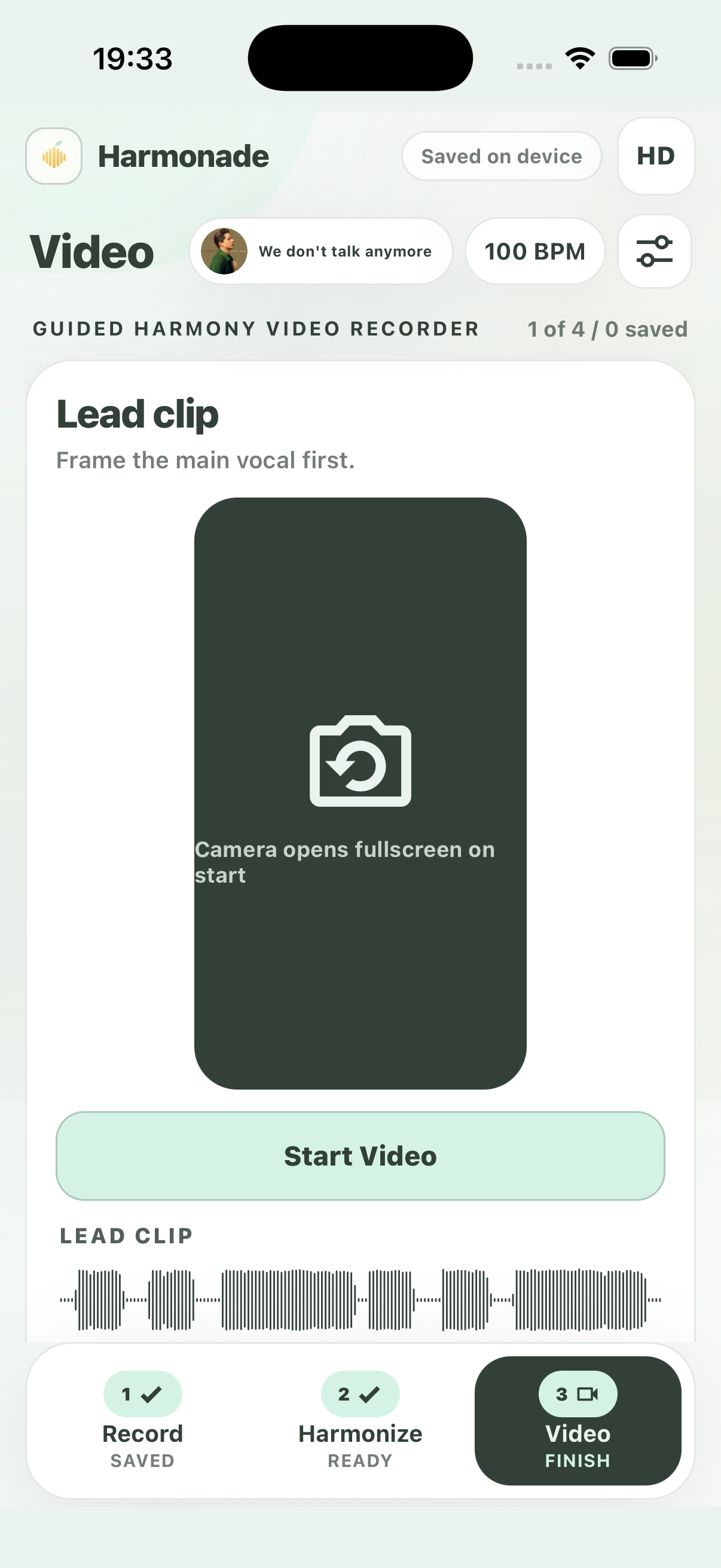
Capture the guided clips for the lead and harmony parts, then export.
For help with your account, recordings, saved projects, purchases or community content, email harmonadestudio@gmail.com.
Include your device model, app version and a short description of the problem. Do not send passwords, payment details or private recordings unless we ask for a specific example.
You can restore mobile purchases from Plans. Manage or cancel a subscription in the Apple App Store or Google Play account used to buy it. Report a video from its menu in Inspo, or contact support to report a content or rights concern.
Read our Privacy Policy for information about your data and deletion requests.