One centered frame with room above or below for the lyric and a late harmony lift.
Vertical Singing Videos
9:16 singing videos need the vocal idea and the frame to support each other.
A harmony clip can sound right and still fail visually if the face is cramped, the lyric space disappears, or the stack reveal gets buried in the crop. Harmonade helps creators think about the vertical frame while they are still shaping the performance.
9:16 framing
Readable lyrics
Split-screen stack
Mobile-safe export
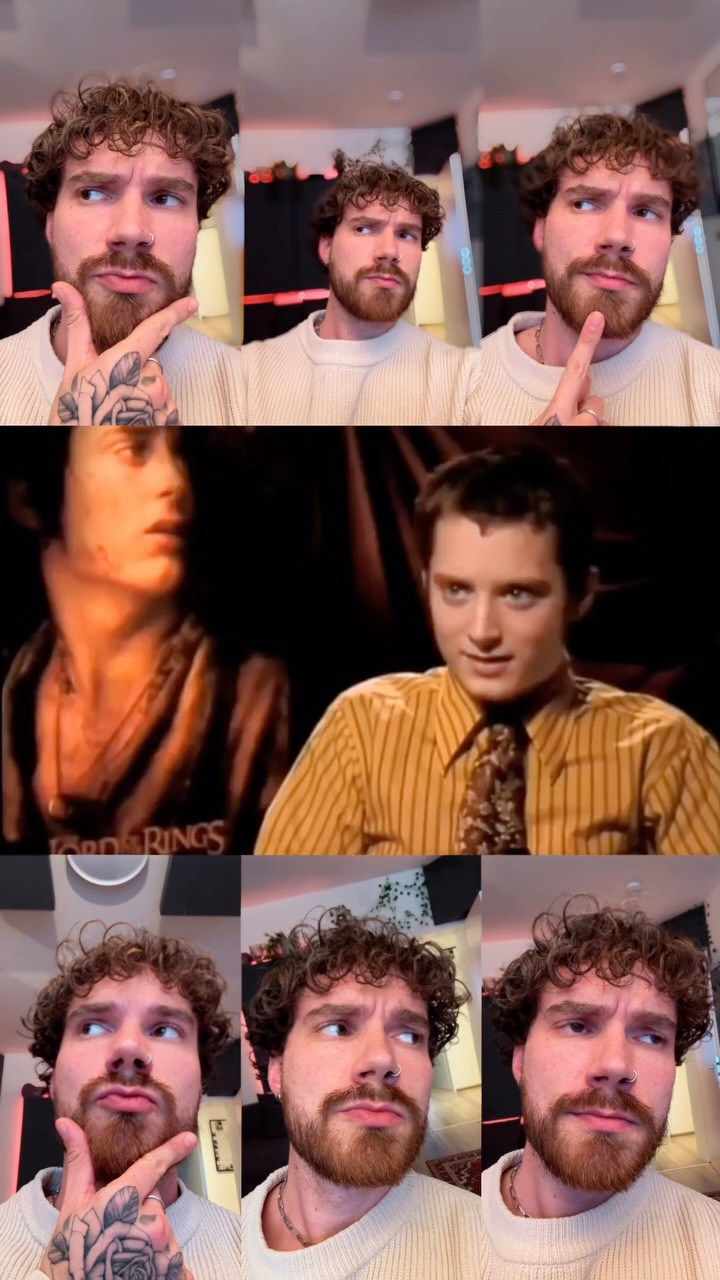
Phone-first composition
Headroom, captions, and harmony boxes compete for the same narrow space.
One focal point
The viewer should know where to look before the harmony reveal arrives.
Readable movement
Fast edits can work, but only if the vocal moment is still easy to follow at thumb speed.
Clip-safe export
The finished frame should already feel ready for shorts, reels, and other vertical surfaces.
Intent boundary
This page is about the frame, not just the song.
Vertical singing video intent usually appears after the music idea exists. The creator is now solving composition, readability, and pacing inside a narrow mobile crop. That makes it different from social singing clips, which is the broader workflow page, and different again from a pure Reels cover workflow question about Instagram packaging.
The vertical frame changes three things fast.
Face and lyric share the same space
The viewer needs both the expression and enough empty room for text or harmony labels.
Harmony reveals become visual edits
When the stack grows on screen, each added role has to remain legible inside the narrow crop.
Weak framing kills replay value
Even a good chorus can feel disposable if the crop looks accidental or cluttered.
Layout board
Build the 9:16 shot around the vocal event.
Think in layers before you hit export.
The best vertical singing videos usually reserve one zone for the face, one for text or lyric treatment, and one for the harmony reveal or supporting performer box.
Zone 1
Anchor the eye line.
Keep the lead vocal where the viewer will naturally look first, especially before any split-screen or stack expansion begins.
Zone 2
Protect text and lyric space.
Leave breathing room for captions, hook text, or a simple label so the performance does not fight the copy.
Zone 3
Make the harmony reveal feel intentional.
When extra boxes, overlays, or cutaways appear, they should explain the stack instead of crowding it.
Format patterns
Three vertical layouts that stay readable.
Lead and support parts stay visually distinct so the viewer can follow the arrangement change quickly.
Each new layer enters in time with the chorus so the visual reveal matches the audio expansion.
Related pages
Switch pages when the production bottleneck moves.
Ready