The line everyone must understand. This stays visually strongest and usually enters first.
Split-Screen Singing Videos
More singer boxes only help when each panel adds a part the viewer can actually hear.
This search intent sits between arrangement and editing. The singer already knows they want a multi-box performance, but the real problem is deciding which parts deserve screen space, when they should enter, and how to keep the clip readable on a phone.
Box timing
Panel roles
Hook reveal
Phone readability
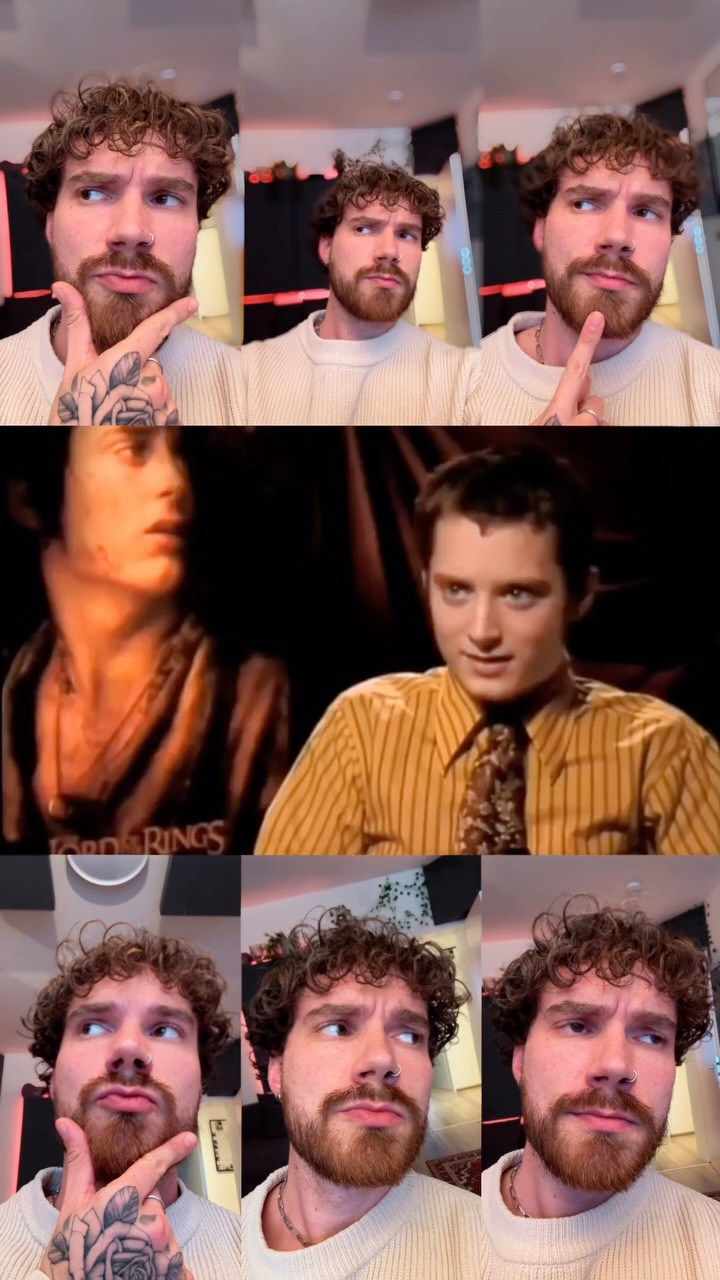
Start with one anchor
Let one panel carry the line before the rest of the arrangement appears.
Panels need jobs
Assign boxes by harmony role, answer line, ad-lib, or support texture instead of pure symmetry.
Mobile first
A four-box idea that looks fine on desktop can turn tiny and messy on a narrow screen.
Edit less, plan more
When the stack is mapped cleanly first, the video layout gets simpler instead of more complicated.
Intent boundary
This page is about panel logic, not just harmony generation.
A split-screen singing video can still fail even when the audio stack is good. The usual issue is that too many panels appear at once, the same line gets repeated visually, or the frame stops reading at phone size. That makes this page more layout-focused than duet with yourself and more tactical than a broad social singing clips workflow.
If the arrangement itself needs work first, start with vocal layering. If the main issue is the narrow 9:16 frame, jump to vertical singing videos.
What makes split-screen clips feel clean.
One box stays legible as the anchor
The viewer should always know which performer carries the phrase.
New panels arrive with an audible reason
Every new square should match a real new note, texture, or vocal response.
The layout leaves room for captions
Hooks, lyric subtitles, or context text need space without covering the singer's mouth or eyes.
Workflow
Lay out the boxes after you know what each vocal part is doing.
Think like an arranger before you think like an editor.
The easiest split-screen videos are planned from the stack outward. Once each part has a job, the frame can stay calm.
Step 1
Keep one visual lane for the lead.
Do not let the strongest lyric bounce between boxes unless the swap itself is the point of the clip.
Step 2
Add only the parts that change the moment.
Second and third boxes work when they widen the hook, answer the phrase, or mark a transition the audience can feel.
Step 3
Test the frame at phone scale.
If a box looks decorative instead of informative once it shrinks, cut it or delay it until the payoff section.
Panel jobs
Four panel roles that keep the frame useful.
The goal is not to fill the grid. It is to give each visible performer a reason to be there.
A duet reply, counter line, or call-and-response moment that changes the story of the phrase.
A stacked third, fifth, or support layer that makes the hook open up when the clip peaks.
A lighter part, pad, or breathy support layer that arrives later and never competes with the lead.
Related pages
Use the neighboring guide when the main issue shifts.
Ready